I do more photo editing on my phone than I do on my computer. That seems like a strange thing to say, but it’s true. As a parent, I now take considerably more photos with my phone than with my expensive camera.
That means I’m posting those photos to Instagram and Twitter and Facebook directly from my phone. So it doesn’t make much sense to import the photos to my computer just to edit.
I need a quick, simple way to make some minor adjustments to my photos and get them onto social networks. Enter PicTapGo.
This $2 iPhone app lets me pick a photo, edit by applying one of more than 50 filters, crop and save. It even lets me post directly from the app to social networks.
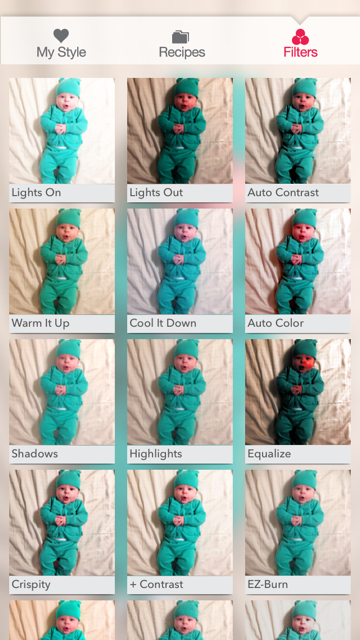
I mostly use the “lights on” filter to brighten my photos, but I also love some of the black and white options. What’s truly great is the ability to adjust the intensity of each filter before it’s applied. This way I can add just a touch of a filter so the photos don’t look too manipulated.
Choose a filter, or combine filters into recipes (that you can save):
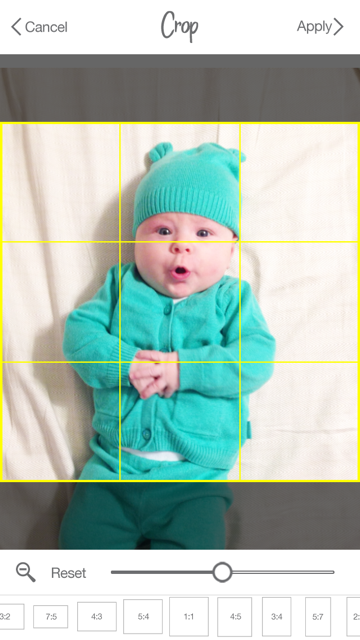
Crop to the size you want:
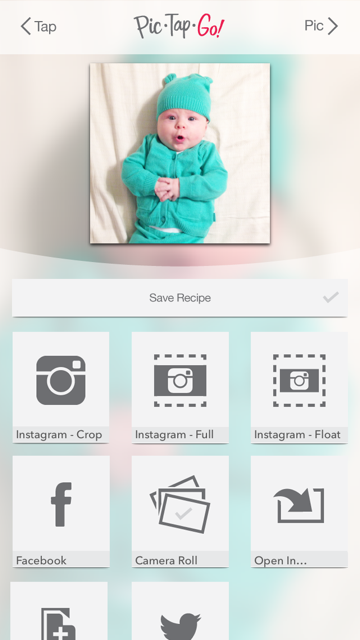
Save to your camera roll or to your favorite social network: