
My web design class at Drake University uses MDD Hosting for their websites, so this post is mainly for them.
If you are trying to login to your WordPress dashboard and you get this 403 forbidden screen…
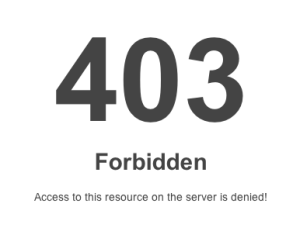
… here’s what you can do to resolve the problem.
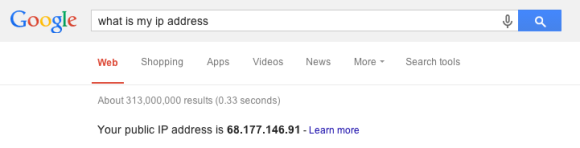
1. Do a google search for “what is my IP address” and note what it tells you.
2. Login to Fetch (or another FTP client – or MDD’s File Manager) and go to the root folder (the one that is represented by a “/”).
3. Then click on the .htaccess file and click on edit.
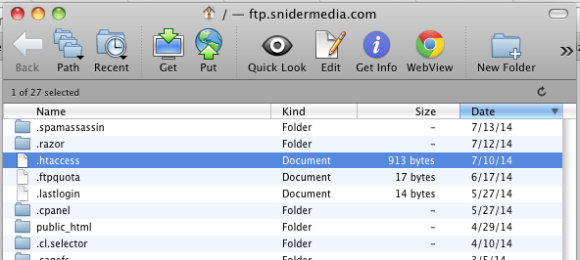
The .htaccess file will open up in a text editor, such as Textwrangler.
Find this area of the .htaccess file and add a line that says “Allow from XX.XX.XX.XX” replacing the Xs with your IP address. You will need to repeat this from any computer you use. And note that sometimes you are assigned a new IP address, so be prepared to add more on a regular basis.
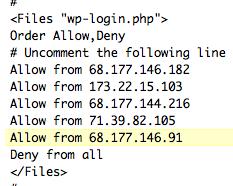
4. Save that file and close it.
5. Go to your web browser and login to your WordPress admin.